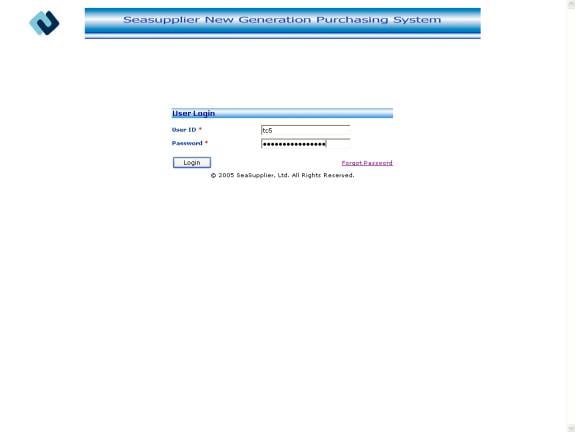
This is first screen of the application. The user logs in to the application through this screen. This screen authenticates the user and performs a number of verifications on the user.
User Login allows you to:
· Authenticates user credentials.
· Verifies the status of user and customer to which it belongs.
· Verifies the validity of the user.
· Verifies the last sign on time.
· Verifies the date of password expiry.
· Verifies the user account whether locked or not.
Invoking the screen
Type the url of seasupplier application in the browser
Screen layout
Figure User Login
To log in to the application
Following fields are mandatory to log in to the application–
User ID
Password
User ID textbox
Enter the User ID in the User ID textbox. The maximum length allowed for the field is 10.
Password textbox
Enter the Password in the Password textbox. The maximum length allowed for the field is 64.
Forgot Password linkbutton
If the user forgots his password, he can reset his password by forgot password screen.
To log in to the application
Click the Login button to log in to the application. If all the fields are valid and it passes all the verifications, the user logs in to the system and is taken to the home page.